(1) Download Microsoft Teams here
(2) Install Microsoft Teams
(3) Click on Apple, then System Preferences
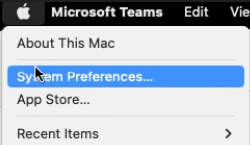
(4) Then click on Security & Privacy

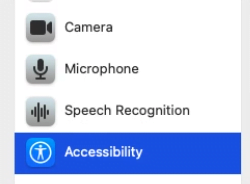
(5) Then click on Accessibility
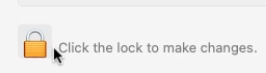
(6) Click on the Padlock to unlock the settings. This will require your authorization.
(7) Click and check the box next to Microsoft Teams

(8) Lock the Padlock
(9) Close the window
(10) Open the Teams appointment link and click on the Join on the Teams app option
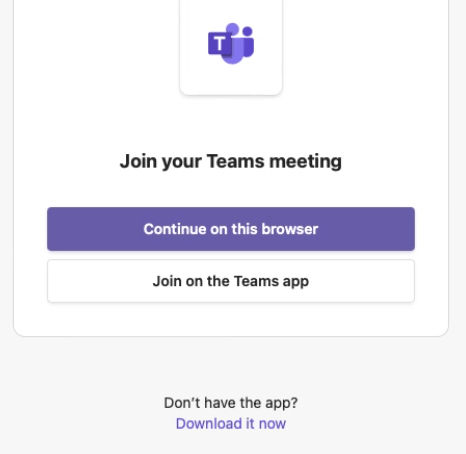
If Teams is installed, you will receive this pop-up. Click on ALLOW.