
To find your device name and model, you can use one of the following methods:
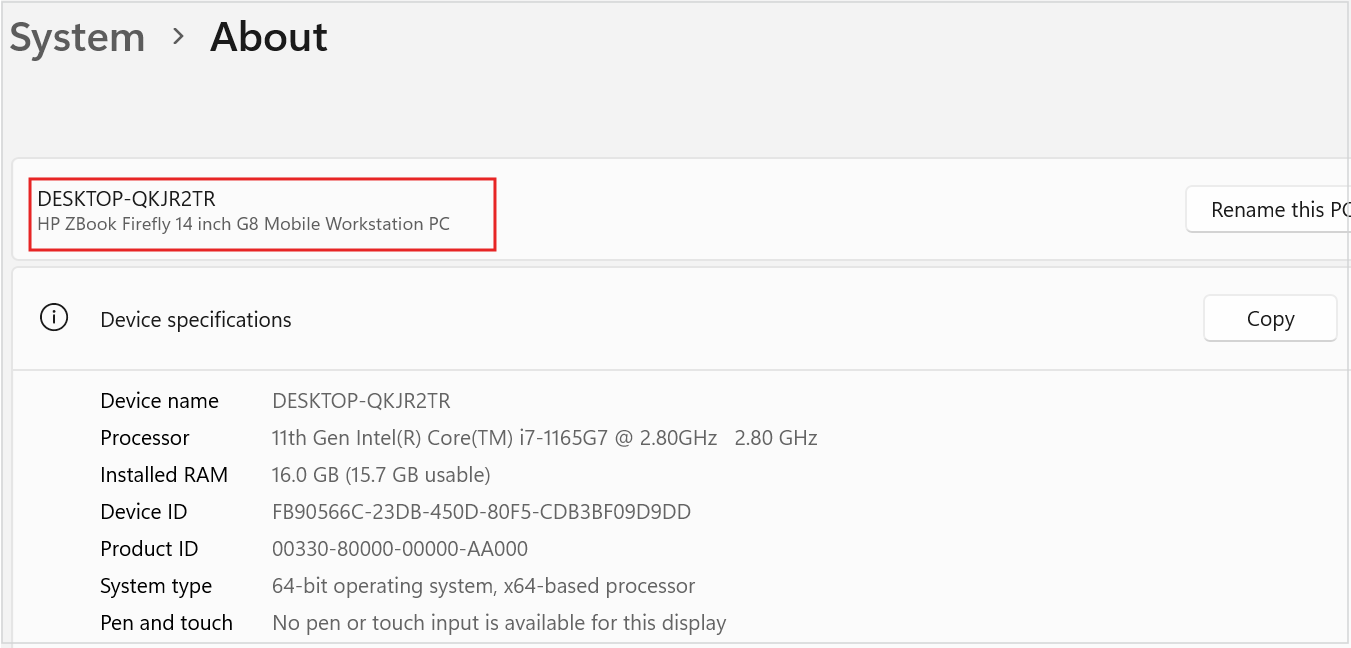
- –> In the Settings app on your Windows device, select System > About.
- –> Right-click on Start and select Settings.
- –> Use the following link to quickly open settings: Open About Settings
The device name appears at the top of the page, with the model name displayed just below it.
Referenced from this article